

Before you start
Open Settings > Guidance Packs and install Advisor. Choose the advisor organization you want to work in. The results depend on the clients, accounts, holdings, portfolios, and reports available to that organization. Ask Tilt Agent to name missing or stale data.Organize chats around the work
Start in your Main chat for day-to-day requests across your book. You can move between clients and accounts without starting a new conversation. Name the client and account you mean, and check Looking at when asking about an open page. Use another chat when a client review or other assignment needs its own ongoing conversation. You can ask Tilt Agent to handle that work in another chat while you continue in Main chat. Tilt Agent looks for an existing chat before creating one. It names client chats<client> — <decision or review>.
The first time Tilt Agent plans to use another chat for a different client, an unrelated decision, or a book review, it asks how you want your chats organized:
Choose Designated main chat to keep bringing requests to one place while Tilt Agent sends separate work to other chats.
Tilt Agent saves your choice and uses it for future advisor work. The choice only affects whether Tilt Agent uses another chat. Tilt Agent still asks before financial actions, deleting a chat, or other changes that need your approval. Asking it to use another chat once does not change your saved choice.
When Tilt Agent asks another chat to handle part of your request, the current chat shows Message sent to and the receiving chat shows Message from. Select the chat name to move between them. Message sent to confirms that Tilt Agent sent the request. Open the receiving chat to see whether the work is complete.
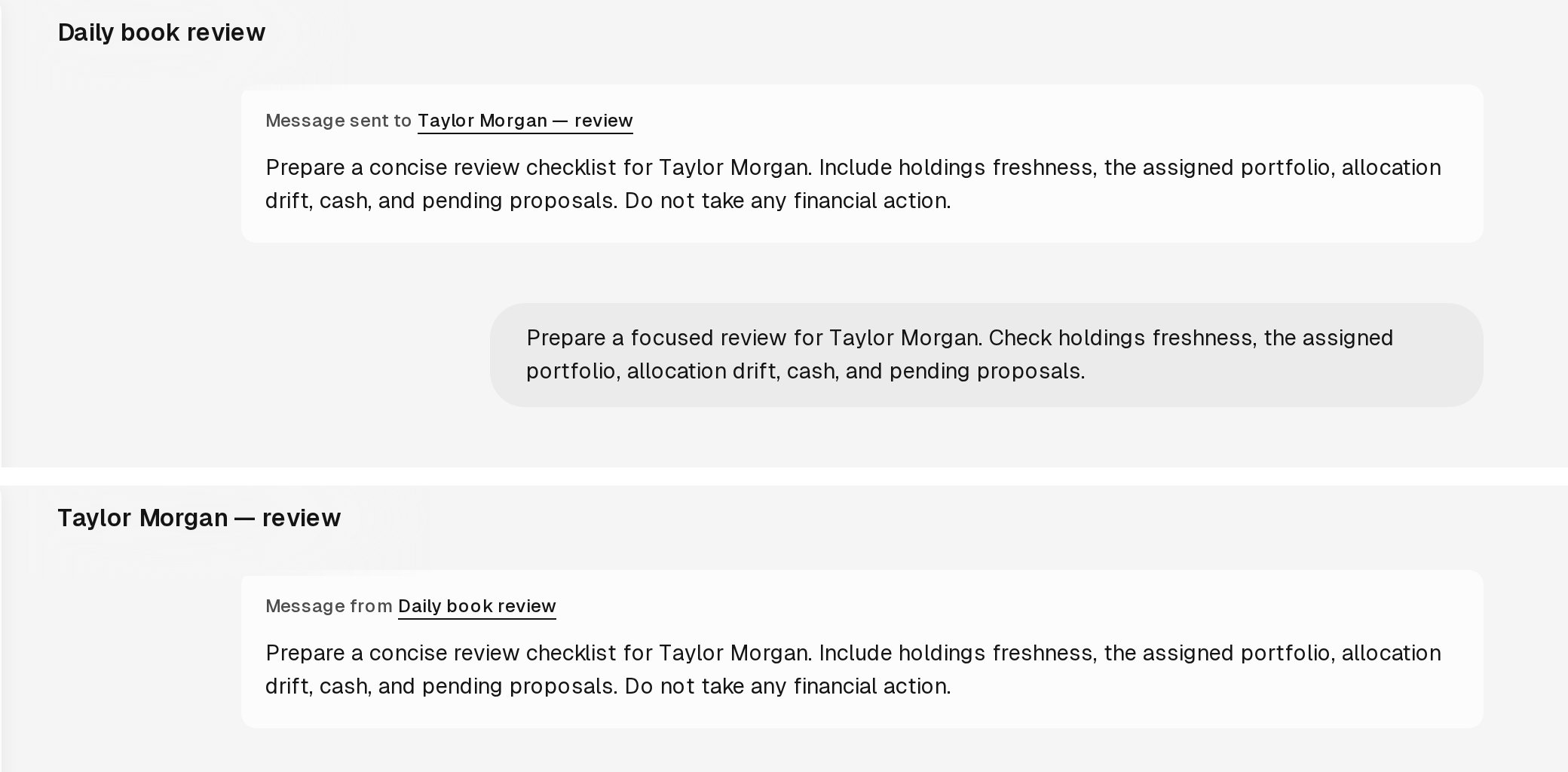
The sending and receiving chats link to each other.