

Start with a chat
Use your Main chat for most work with Tilt Agent. Ask questions, give instructions, and follow up there as you move between pages. Opening a different page does not require a new chat. Use another chat when an assignment needs its own ongoing conversation, such as a client review or a research question you want to revisit. Return to Main chat when you move on to other work. Name the companies you want to research, or include the client, account, household, Tilt, or portfolio involved. Add the period, format, and limits that matter. You can research a company without attaching a Tilt or portfolio. Ask about its business, a price move, or evidence for an investment thesis.Find and switch chats
Open Chats in the chat header to return to Main chat, find another conversation, or start a new one when you need it. On desktop, select the list icon beside a chat’s title to open Chats. Select the back arrow to return to your Main chat. The title names the current conversation. On your phone, open chat over the page you are viewing. Select Chats or the list icon to choose a conversation, then select Main chat to return to it. The back arrow in the chat list returns to the conversation you were reading. Select Close chat to return to the page underneath. On a Mac, Tilt for Mac keeps each page you open in a tab beside the chat, and Tilt Capture brings any window on your screen into a chat. Switching chats leaves the page you are viewing in place. Check Looking at above the message input to see which page Tilt Agent includes with your next question.Work across chats
Tilt Agent can create or reuse another chat to handle part of a request. The chat you are in shows Message sent to. The receiving chat shows Message from. Select the chat name in either message to open the other chat. To keep work in the same chat without waiting for it, ask for a background job. Each chat has its own history. Message sent to means Tilt Agent asked the other chat to do the work. Open that chat to see whether the work is complete. Tilt Agent still asks you to approve financial actions, permanent deletion, and other changes that need your approval. Tilt Agent can turn a successful conversation into reusable work:Archive a chat
Open a chat’s menu and choose Archive to remove it from your chat list while preserving its transcript. To restore the chat or permanently delete it, open Settings > Archived chats.Find work in Library
Library contains saved Dashboards, Tilts, Posts, Files, and other items available in your workspace. Use search or choose a section when you know which item you need. For Tilts, Library shows whether a public version exists and whether the author lists it in Marketplace. The Tilt view identifies the version you are viewing. Read working copies and published versions for the label meanings.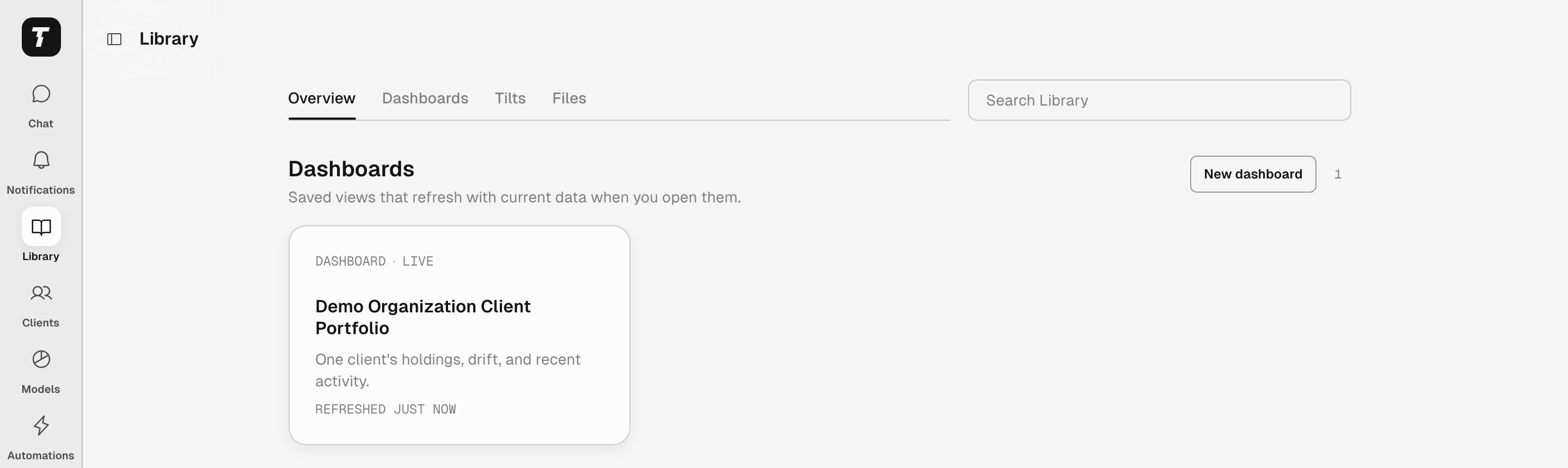
Library groups saved work by type.
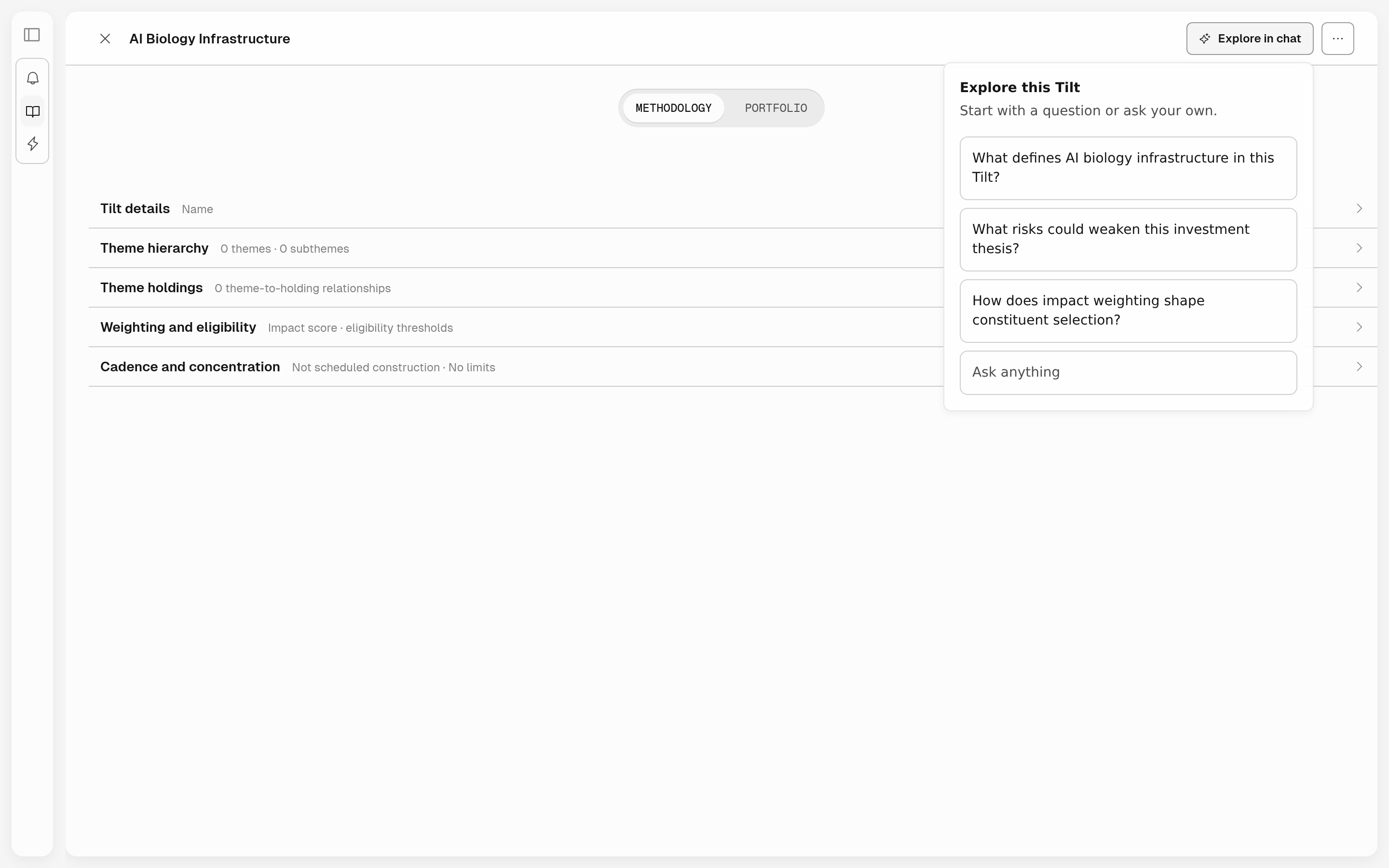
A Tilt opened from Library, with Explore in chat open.
Add a guidance pack
Guidance Packs add starter prompts, workflows, and suggested automations for a type of work. Open Settings > Guidance Packs to see the packs available to you.Build reusable work
Create a Personal Skill
Teach Tilt Agent a reusable workflow in chat.
Import an external skill
Import a trusted skill and adapt it for Tilt.
Create a dashboard
Turn a useful view into a dashboard in Library.
Create an automation
Ask Tilt Agent to repeat work on a schedule.
Work with an advisor book
Organize advisor chats, prepare client reviews, and repeat useful work.
Delegate from your app
Delegate Tilt Agent tasks from a chat or agent experience you operate.
Connect an MCP server
Give Tilt Agent access to an external service’s tools through an authorized connection.