

Attach a file
- In the message input, select +, then Attach files.
- Choose one or more files. Each file shows as a tile above your message while it uploads.
- Write your question and send it.
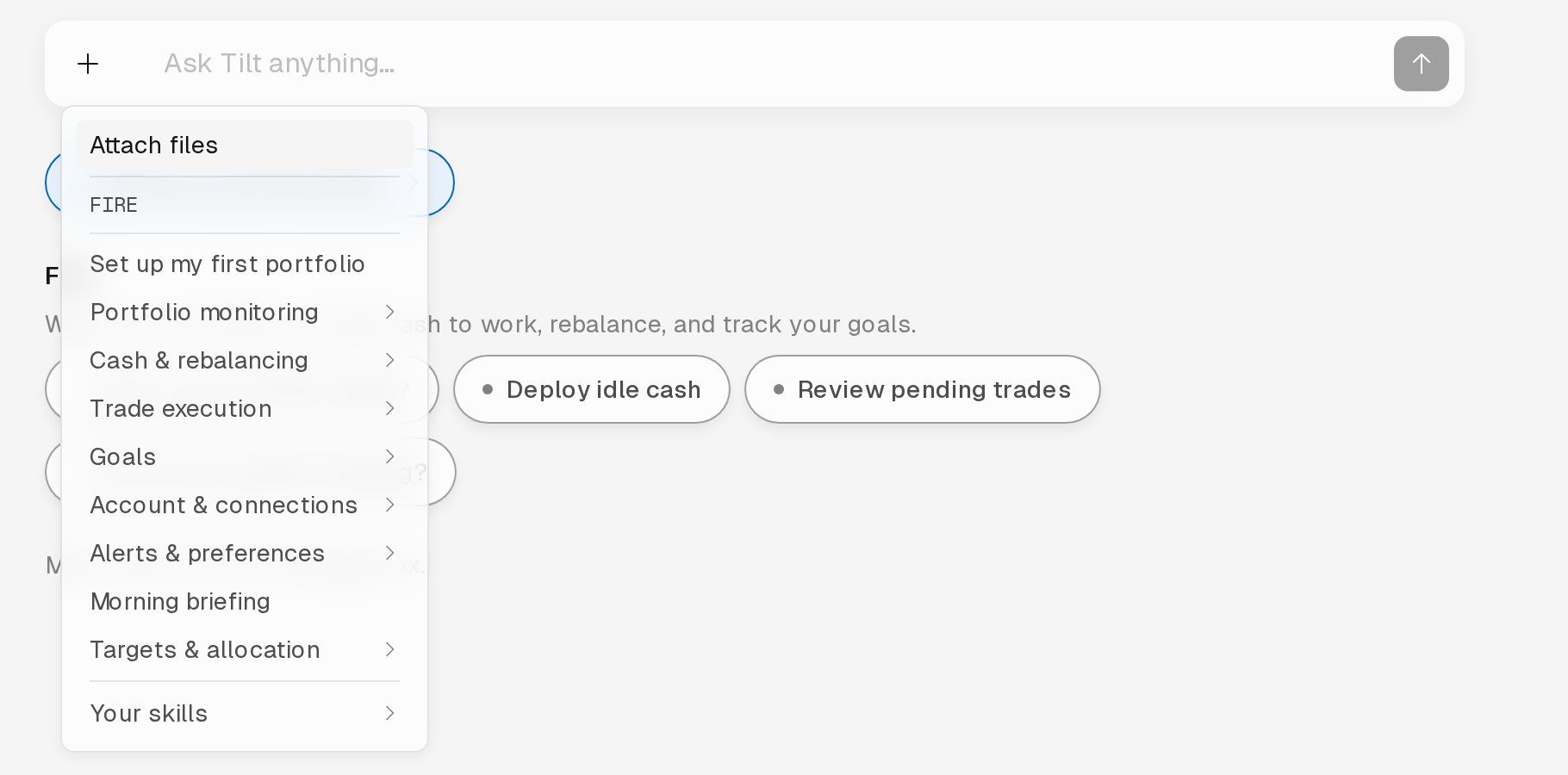
Select + in the message input, then Attach files.
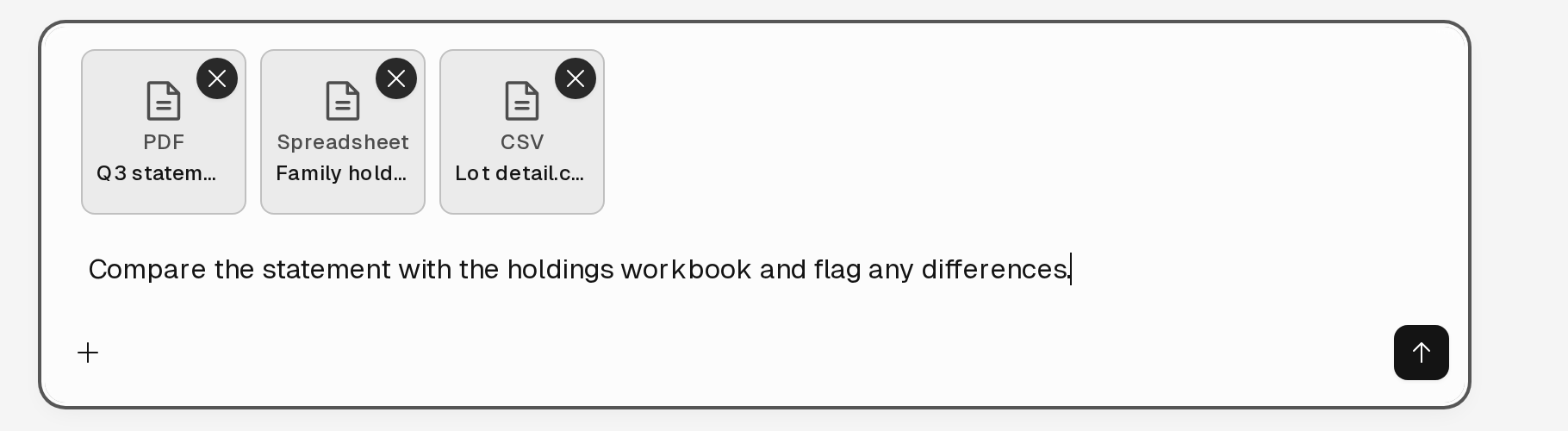
A PDF, a spreadsheet, and a CSV file attached to a question.
Supported files
Tilt accepts only the file types in this table. To attach a Word document, save it as a PDF first. Save an older
.xls workbook as .xlsx.
Save CSV, text, Markdown, and JSON files as UTF-8. In Excel, choose CSV UTF-8 (Comma delimited) when you save a CSV. Tilt can’t read other text encodings, and the upload fails with Failed to complete attachment.
A message can carry up to 20 files, and each file can be up to 15 MB.
Tilt Agent reads a long document up to a size limit, and knows when it stopped short. When you attach several long documents to one message, Tilt Agent may skip the earliest ones. Attach only the pages, sheets, or rows you want analyzed.
Spreadsheets
Tilt Agent sees each cell as Excel displays it. A cell with a formula shows its value next to the formula, so Tilt Agent can tell a typed number from a calculated one. For example, a total reads as150 (=SUM(B2:B4)).
Excel stores each formula’s result when you save the workbook. Some programs that export workbooks store the formulas without results. Tilt shows those cells to Tilt Agent as not calculated, with a note that any total depending on them is incomplete. Open the workbook in Excel and save it before you attach it.
Remove a workbook’s password in Excel before you attach it. Tilt can’t open a password-protected workbook.