

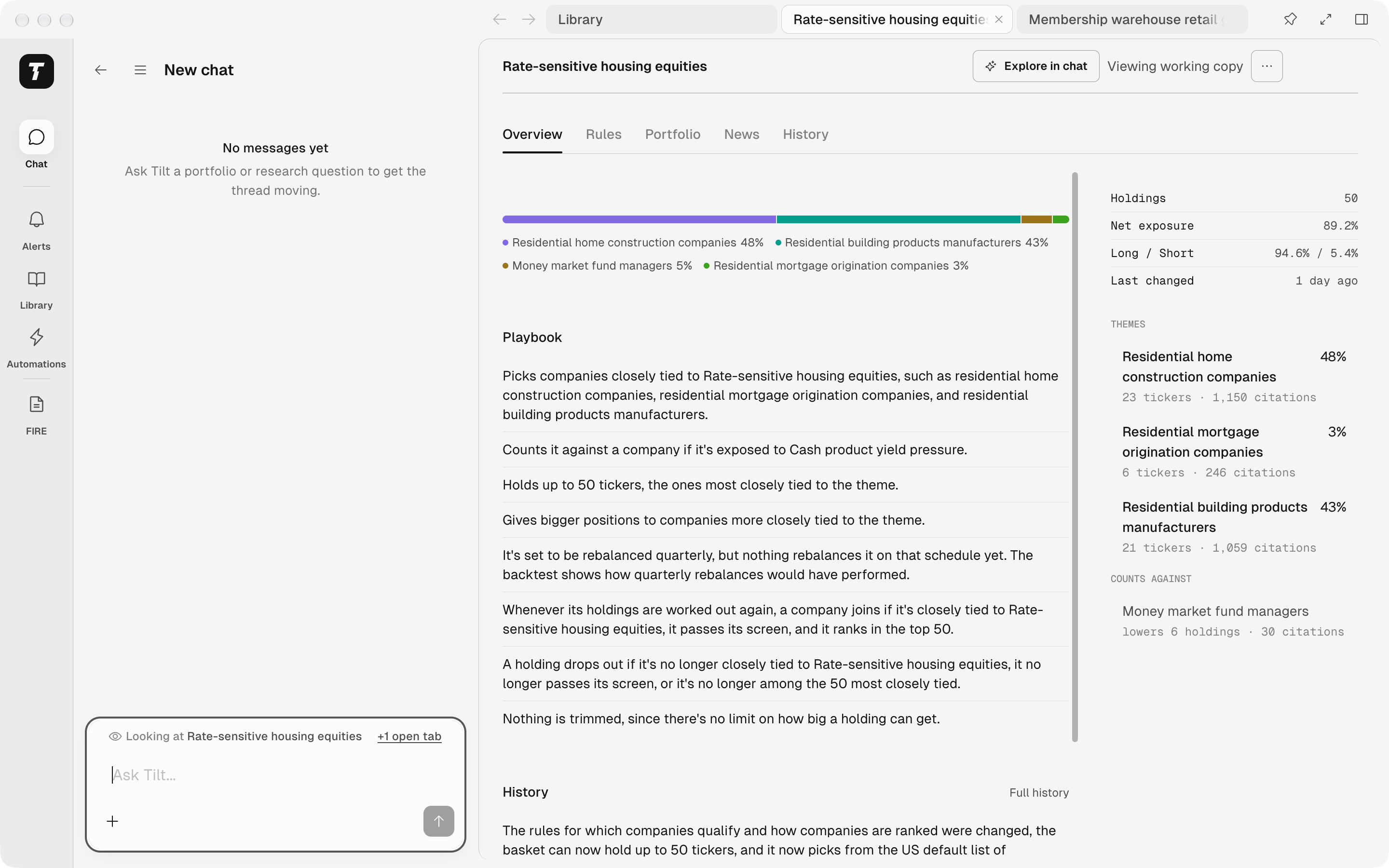
Library and two Tilts open in tabs, with the chat beside the Tilt on screen.
Open pages in tabs
Open a page as you would on the web: from a card in a chat, the sidebar, a pin, or a link. The page opens in a new tab at the right end of the strip. If that page already has a tab, Tilt shows that tab. A Tilt’s views, Overview, Rules, Portfolio, News, and History, share one tab. Links inside a page open in the same tab; ⌘-click a link to open it in a new tab. Back and Forward (⌘[ and ⌘]) move through the tab on screen. Each tab is named after what its page shows, such as the Tilt’s name, or after the page itself, such as Library or Alerts. The menu at the end of the strip lists every open page and your recently closed ones. It shows as +N when some tabs don’t fit in the title bar, and as a down arrow when they all fit and you have closed a page.Close and reopen tabs
A page with unsaved changes asks before it closes. With no tabs open, the window shows the chat.
Choose how much room the chat gets
The buttons at the right of the title bar change the layout:
Select the count to show your pages again, or hover over it to pick a tab from Open pages. Opening any page also shows them.
Ask about your tabs
Looking at above the message input names the page in the tab on screen. When other tabs are open, +N open tabs beside it lists them under Also open; pick one to switch to it.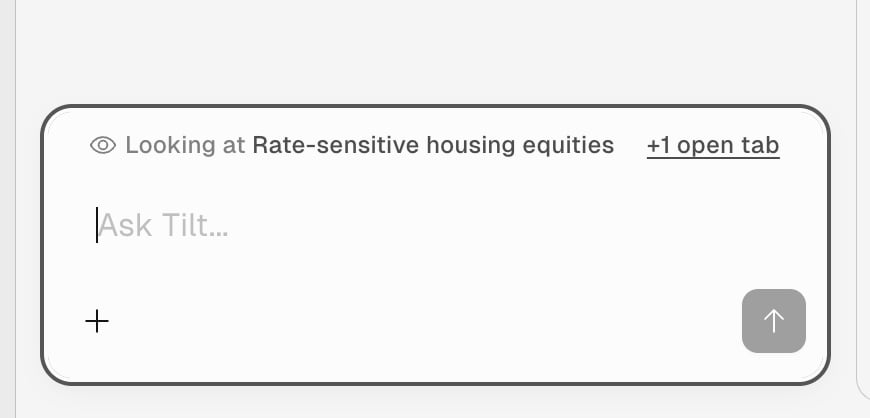
Looking at names the tab on screen; +1 open tab lists the other one.
Compare this Tilt with the one in my other tab.Pages that show no single object, such as Library or Alerts, are not included. While your pages are hidden, Tilt Agent sees no page and no open tabs. See Ask about the page for how Looking at works.