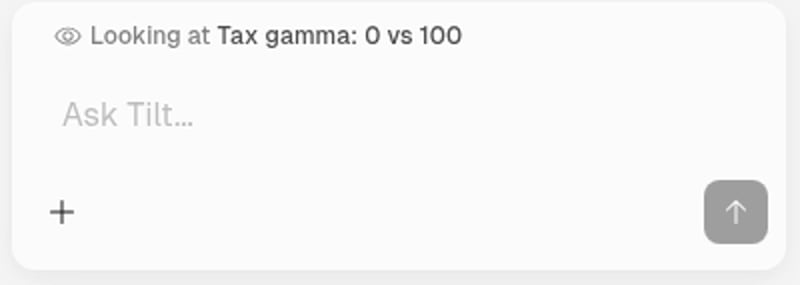
Open an object, such as a Tilt or saved backtest, and show the chat beside it. Looking at above the message input names the object Tilt Agent includes with your next question. You can ask about it without repeating its name.
Chat composer showing Looking at Tax gamma: 0 vs 100 above the Ask Tilt input

Looking at names the saved backtest included with your question.

Ask a follow-up

With a Tax gamma: 0 vs 100 backtest open, ask:
Why did gamma 100 do better here?
Tilt Agent reads that saved comparison’s inputs and results. If the account’s Setup has changed since the run, the backtest still records the experiment you ran. Ask about the current Setup when you want to assess today’s settings.

Change the subject

Open a different object and check Looking at before sending. Tilt Agent includes the object you are now viewing with the next message. Your earlier messages remain in the chat. Name any other objects you want to compare in your question. If you do not see Looking at, name the object you mean.

Ask from your phone

Open chat from an object page to carry its name into the composer as a chip. Tilt includes that object with your next message. Select the chip’s × to leave it out before sending.