

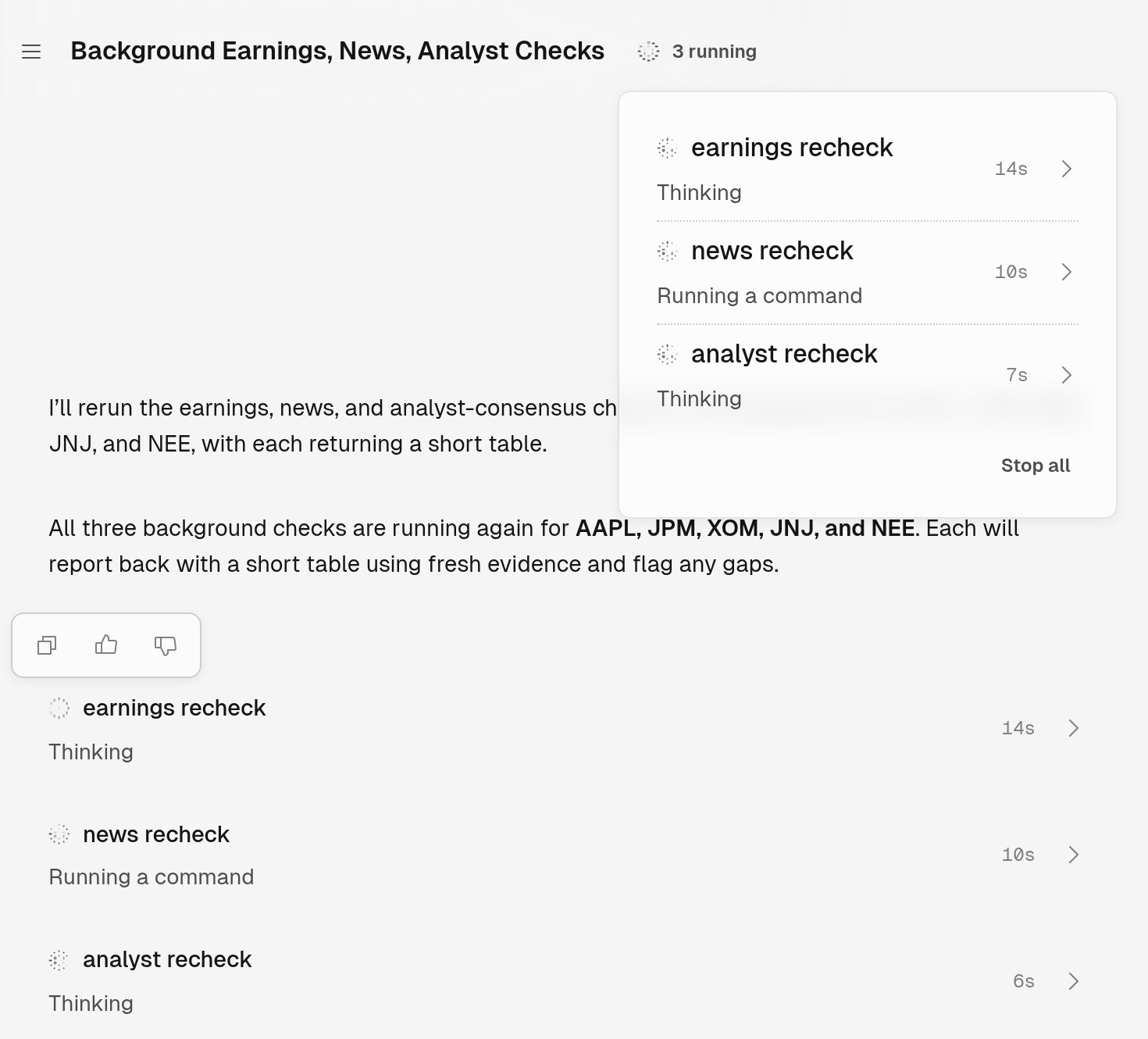
Three jobs running from one chat. The title bar shows how many run; select it to see each job and Stop all.
Start a job
Ask for the work to run in the background, and name each job so you can tell them apart:In the background, start three jobs for AAPL, JPM, XOM, JNJ and NEE: earnings check finds each one’s latest quarterly results, news check finds the most recent headline for each, and analyst check finds the current consensus rating. Each reports back with a short table.When you ask for background work, Tilt Agent starts a job. It can also start one on its own for a long task. Jobs run side by side, and you can keep asking questions while they work. A job keeps working after you close Tilt.
Follow a job
Select the row, the name in the title bar, or a job in the list to open the job’s page. The page shows the instructions Tilt Agent gave the job and the job’s work as it happens. It has no message box: you talk to a job through the chat that started it.